Menu

Login Get Started
Open source plugin

Passwords Manager

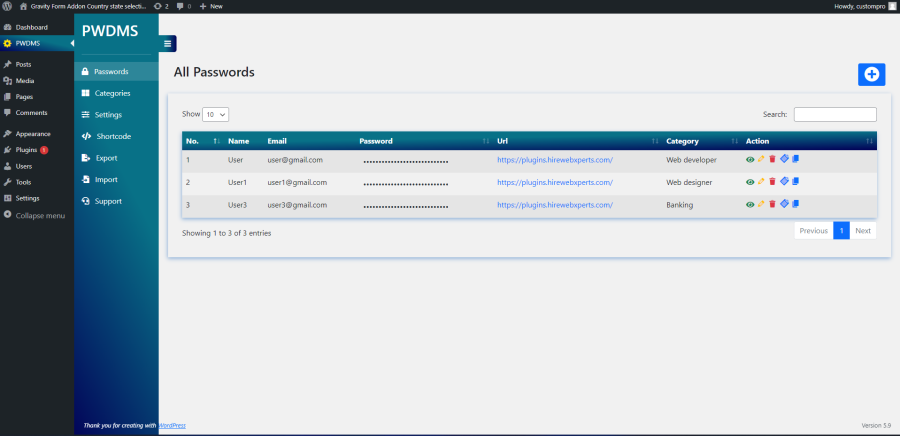
Passwords Manager wordpress plugin let you to store different passwords at one place. Passwords are stored in WordPress database in encrypted form so no one can see them. Passwords can also be categorized if you have multiple passwords. This plugin uses advanced encryption standard AES – 128 and you can define your encryption key at the time of installation of plugin

  • Free download from WordPress.org
  • GPL — use and modify freely
  • Community supported
Passwords Manager
100+
Active Installations
4,613
Total Downloads
41,725+
Youtube views

Key features

Secure AES-128 Password Encryption

All passwords are stored in the WordPress database using AES-128 encryption, ensuring your sensitive data remains protected.

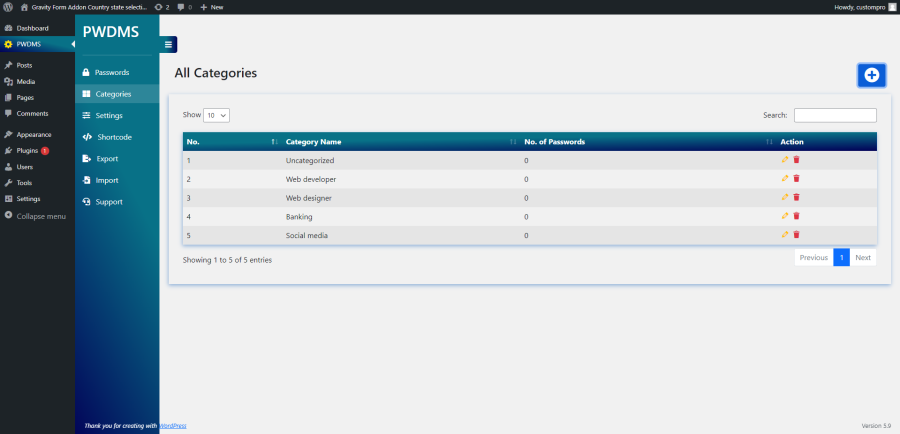
Organize Passwords with Categories

Group passwords into custom categories with color labels for quick identification and better organization.

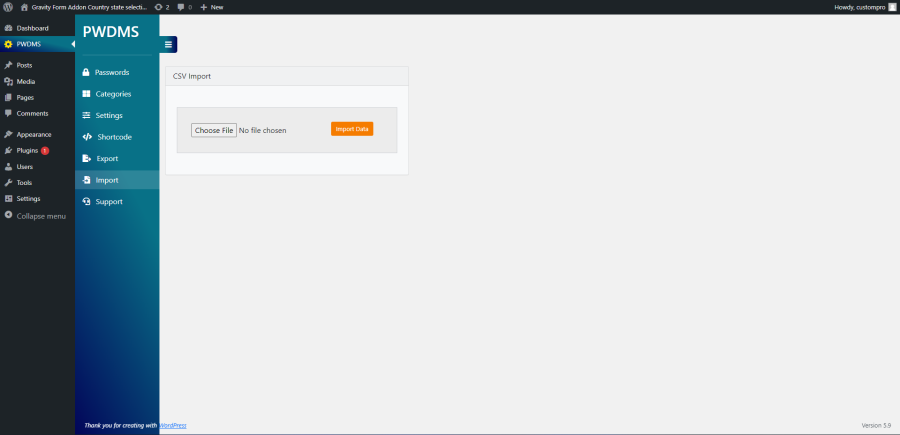
Easy Import, Export & Backup

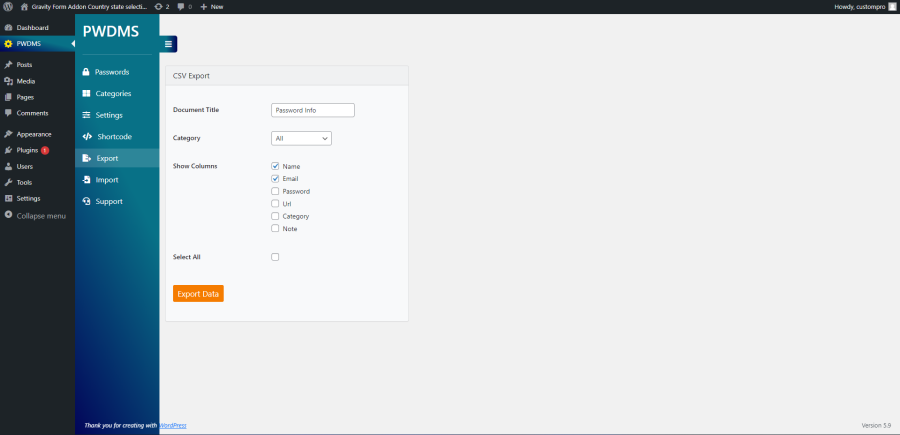
Import or export all your passwords in just a few clicks, with an option to add sample data for testing.

Responsive & User-Friendly Dashboard

Manage passwords through a modern Bootstrap-based interface that works smoothly on desktop, tablet, and mobile devices.

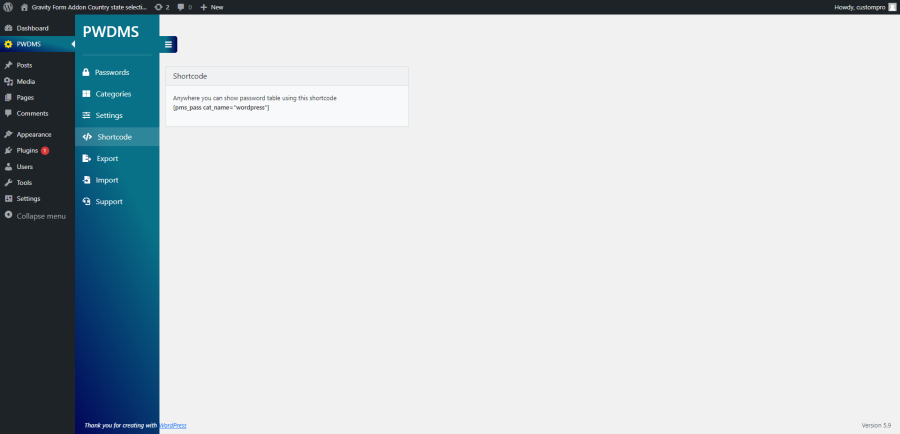
Share Password Lists with Shortcodes

Display password tables on any WordPress page using a simple shortcode for controlled sharing.

Productivity Features

Clone existing password records, add website URLs, manage data with DataTables, and enjoy multilingual support including Spanish, Hindi, Japanese, Portuguese, Russian, and Chinese.

How to set up

1

Activate the plugin through the Plugins menu in WordPress .

2

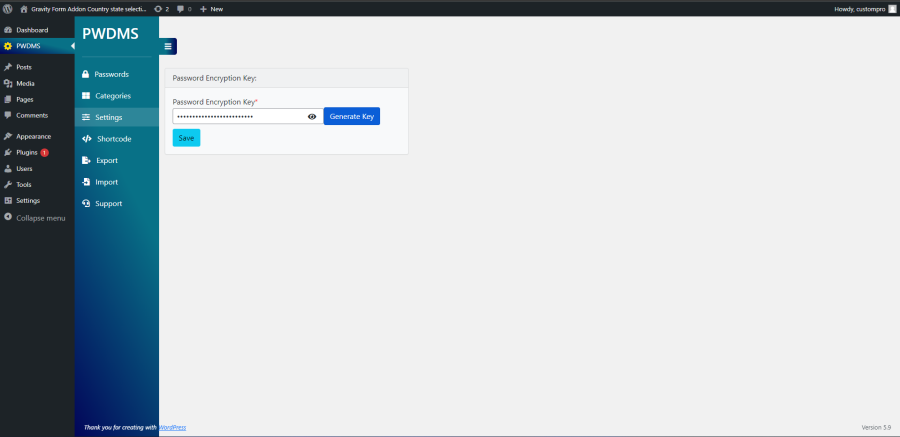
Then go to Pwdms settings menu and update your encryption key.

3

Make new categories as per your need like Weblogin, social logins, financial logins etc.

4

Now, you can store all your passwords one by one.

What our Customers Say

Real feedback from real users

 jmoliver
jmoliver
March 10, 2022

Its really works

it helps me to manager the passwds from my site

  eronix
eronix
February 10, 2021

Thank you!!

You sir, are an awesome human being! Thanks for creating this!

  dbparke
dbparke
January 9, 2021

Works great for development teams

Social accounts, web 2.0's, service accounts, etc. Everything related to our web project. Really removes confusion when web teams are creating a project. The Shortcode is great and simple to display password list to team members on forum project page. (Private site) Must have for development and collaboration teams.. Thanks, Great Plugin

  seek51
seek51
February 26, 2020

Great tool !

Work like a charm. Also great support. Both thumbs up

Screenshots

See the plugin in action